Course Overview
Almost every performance problem is fixed in the wrong order. Someone installs a caching plugin, changes four settings, gets a green score on one tool and a red one on another, and never finds out that the real cost was a 2 MB hero image and a chat widget nobody uses.
This course does it in the right order: measure, find the largest single cost, fix that, measure again. Twelve chapters, applied to a real site — yours, if you have one. By the end you can look at a slow page and say what is slow, why, and what it will take to fix, which is a different and much rarer skill than knowing a list of tips.
What You’ll Learn
✅ Measuring: lab versus field data, and why two tools disagree about the same page.
✅ Core Web Vitals: LCP, CLS and INP — what each one is really measuring and what moves it.
✅ The critical path: what blocks the first paint and what does not.
✅ The heavy things: images, fonts, CSS, JavaScript and third-party scripts, in cost order.
✅ Caching: browser, server, and CDN — three different caches with three different rules.
✅ The back end: slow queries, indexes, hosting and where the server time actually goes.
✅ Keeping it: monitoring and catching a regression before a customer does.
The Chapters
1 — What "slow" means. Load time versus perceived speed, the phone on a weak network, and why an average hides the problem. You can state a performance goal that is measurable.
2 — Measuring honestly. Lighthouse, PageSpeed Insights, GTmetrix, WebPageTest; lab versus field; throttling. You can explain why two tools gave the same page different scores.
3 — Core Web Vitals. LCP, CLS, INP — definitions, thresholds, and what each responds to. You can name your page’s LCP element by looking at it.
4 — The waterfall. Reading a network panel: order, size, blocking, waiting. You can find the single request that is holding up the first paint.
5 — The critical rendering path. HTML, CSS, render-blocking resources, async and defer, above-the-fold. You can get something meaningful on screen before the whole page has loaded.
6 — Images. Formats, dimensions, compression, responsive images, lazy loading, and reserving space. You can cut image weight by most of it without a visible difference.
7 — Fonts. Web font loading, font-display, subsetting, preloading, and invisible text. Your text is readable immediately and does not jump when the font arrives.
8 — CSS and JavaScript. Unused code, bundle size, splitting, minification, compression. You can find out how much of your CSS and JavaScript is never used.
9 — Third-party scripts. Analytics, chat, tags, embeds, ads — measured individually. You can put a number on what each third-party script costs your users.
10 — Caching and delivery. Cache headers, server caching, CDNs, HTTP/2 and 3, compression. You can say which cache a given response came from and how long it lives.
11 — The server side. Time to first byte, slow queries, indexes, N+1 queries, hosting and resources. You can tell a slow server apart from a heavy page.
12 — Technical SEO and keeping the gains. What speed does and does not do for ranking, crawlability, monitoring, budgets and regression alerts. You find out about a regression from a monitor, not a complaint.
Course Highlights
🔥 Measure first, always — no chapter offers a fix before it has shown you how to see the problem.
🔥 Applied to a real site — bring your own and work on it.
🔥 Third-party scripts get a whole chapter, because they are usually the answer.
🔥 Free, including the test and the certificate.
Who Should Enroll?
- Web developers and designers who want faster, better-ranking sites.
- SEO specialists and marketers who need to know what is technically true.
- Business owners and freelancers tired of being told the site "just is" slow.
The Test and Certificate
Twelve questions across the twelve chapters — Core Web Vitals, render blocking, lazy loading, font-display, caching layers, TTFB and third-party cost. Register, take the hall ticket, sit the timed paper, and pass to earn a certificate carrying your name, the course and the date.
Sit it now, free: take the practice test for this course. It is scored in your browser and is a self-assessment, not a proctored exam.
Course Duration
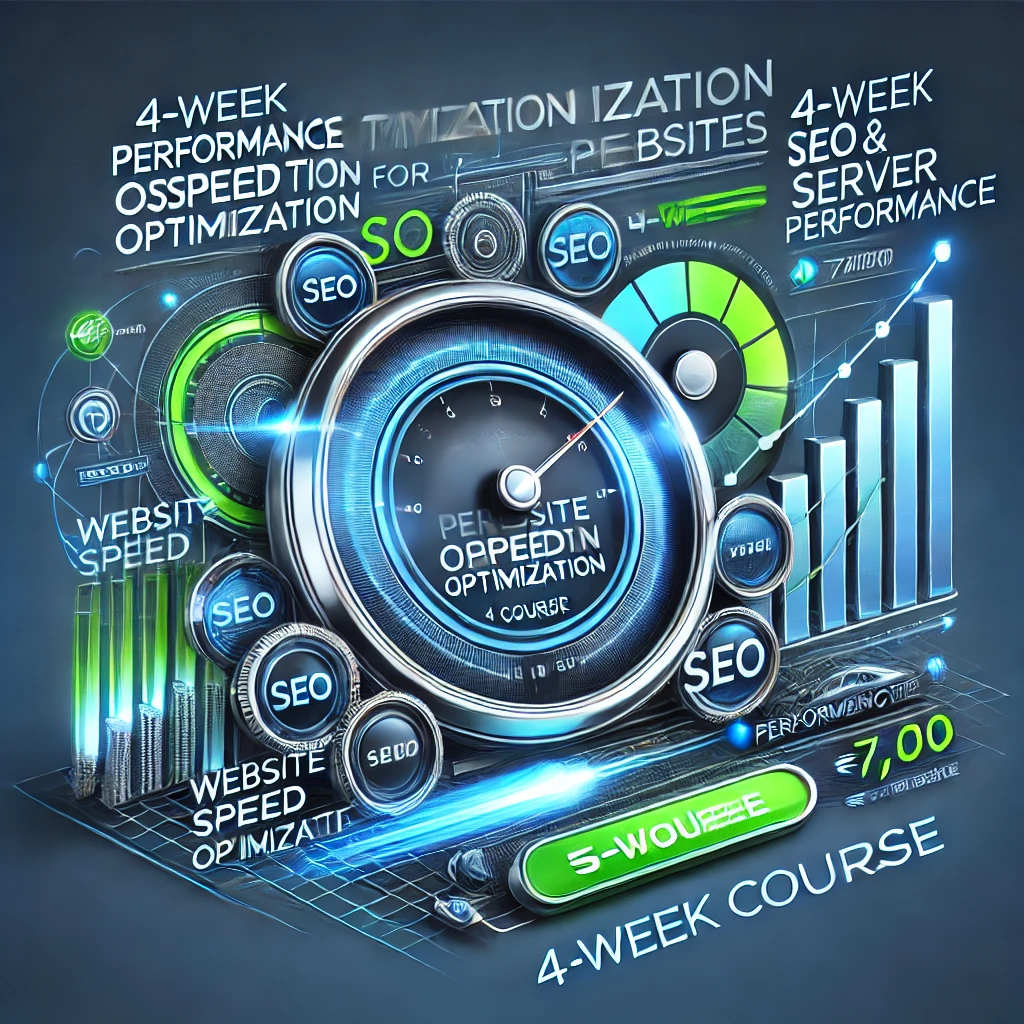
📅 4 weeks, twelve chapters, hands-on. Free.
🚀 Stop guessing at speed. Measure it, then fix the thing that is actually costing you.
Keywords
free website performance course, Core Web Vitals, LCP CLS INP, page speed optimization, image and font optimization, caching and CDN, technical SEO, free performance certificate