

WordPress.org vs WordPress.com: What’s the Difference?
If you’re planning to build a website, you’ve likely come across WordPress.org and WordPress.com. At first, they may look the same—but in reality, these two platforms serve very different purposes.
👉 In this guide, you’ll learn:
- What WordPress.org and WordPress.com are
- The differences between WordPress.org and WordPress.com
- Their advantages and disadvantages
- Which platform is best for your project
What is WordPress.org?
WordPress.org (self-hosted WordPress) is the open-source software available for free at wordpress.org.
To use it, you need your own:
- Domain name
- Web hosting service
WordPress.org gives you full control over your website. In addition, you can install plugins and customize themes. For example, you could add an SEO plugin or switch to a custom design. You can even edit the core code if needed.
Best for: Businesses, eCommerce, blogs, portfolios, and anyone who wants complete freedom.
What is WordPress.com?
WordPress.com is a hosted service provided by Automattic. It removes the need to buy hosting separately.
You can start a free site quickly. However, advanced features like custom domains, plugins, and monetization require a paid plan.
Best for: Beginners, hobby blogs, and people who don’t want to manage hosting or technical setup.
WordPress.org vs WordPress.com — Key Differences
| Feature | WordPress.org (Self-Hosted) | WordPress.com (Hosted) |
|---|---|---|
| Cost | Free software, but hosting & domain cost ~$5–10/month | Free basic plan, paid upgrades for extra features |
| Control | Full control over themes, plugins, and code | Limited unless you upgrade |
| Customization | Unlimited | Restricted to plan level |
| Monetization | Full freedom (ads, shops, memberships) | Restricted; requires Business plan |
| Maintenance | You handle updates, backups, and security | WordPress.com manages all maintenance |
| Branding | Custom domain (yoursite.com) | Free plan uses “yoursite.wordpress.com” |
| SEO Tools | Full access (Yoast, Rank Math) | Limited on free plan |
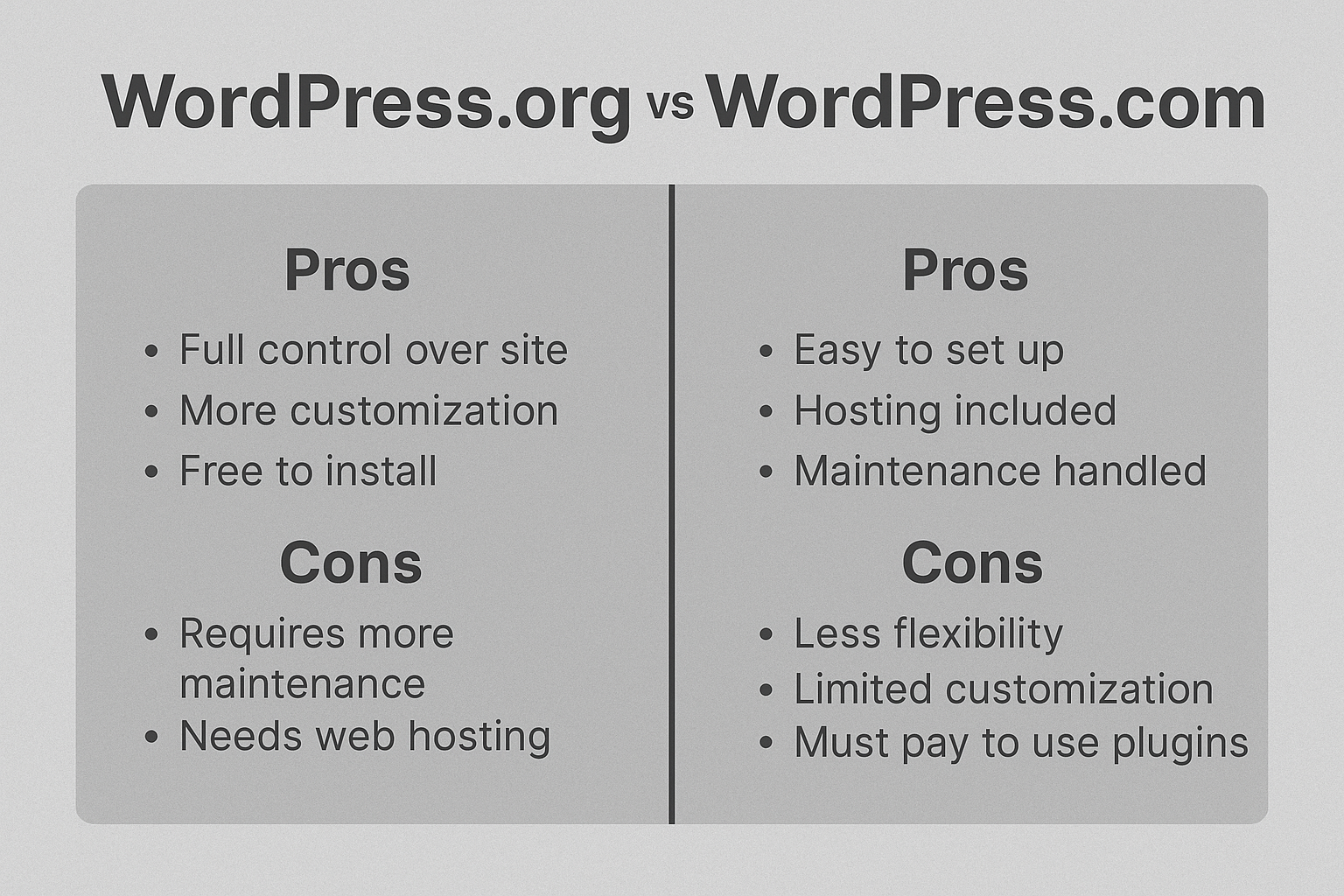
Advantages of WordPress.org
- Full ownership of your website
- Thousands of plugins and themes available
- Monetize freely with ads, shops, or memberships
- Highly scalable for personal and professional projects
Disadvantages of WordPress.org
- Requires hosting setup
- You manage updates and security
- Slight learning curve for beginners
Advantages of WordPress.com
- Free to start, no hosting needed
- Automatic updates and backups
- Beginner-friendly interface
Disadvantages of WordPress.com
- Limited customization on free plan
- Cannot install plugins/themes without upgrade
- Restricted monetization options
- Branding shows “.wordpress.com” on free sites
 wordpress.org vs wordpress.com
Which One Should You Choose?
- Choose WordPress.org if you want freedom, flexibility, and growth potential. For example, it’s perfect for eCommerce, agencies, or professional blogs.
- Choose WordPress.com if you want a quick setup with no technical work. As a result, it’s great for hobby blogs or personal journals.
👉 In short:
- WordPress.org = best for professional projects
- WordPress.com = best for simple personal sites
Conclusion
Both WordPress.org and WordPress.com are powerful. However, they serve very different goals.
- If you want ownership, monetization freedom, and scalability, choose WordPress.org. As a result, you’ll have more opportunities to grow your site over time.
- If you prefer simplicity, automatic updates, and no hosting setup → try WordPress.com.
Therefore, the right option depends on your budget, skills, and long-term plans.
FAQs
Which is better, WordPress.org or WordPress.com? It depends on your goals.
- WordPress.org → Best for businesses, eCommerce, and professional websites (full control & customization).
- WordPress.com → Better for hobby blogs and personal projects (easy setup, but limited flexibility).
Can I move from WordPress.com to WordPress.org?
- Yes. You can easily export your content from WordPress.com and import it into a self-hosted WordPress.org site. This is a common migration path as websites grow.
Is WordPress.org really free?
-
Yes, the software itself is 100% free. But you’ll need to pay for:
-
Hosting (server space)
-
Domain name (your website address)
Do I need coding skills to use WordPress.org?
- No, you don’t. WordPress works with themes and plugins so beginners can build websites without coding.
- But knowing basic HTML/CSS can help with advanced customization.