

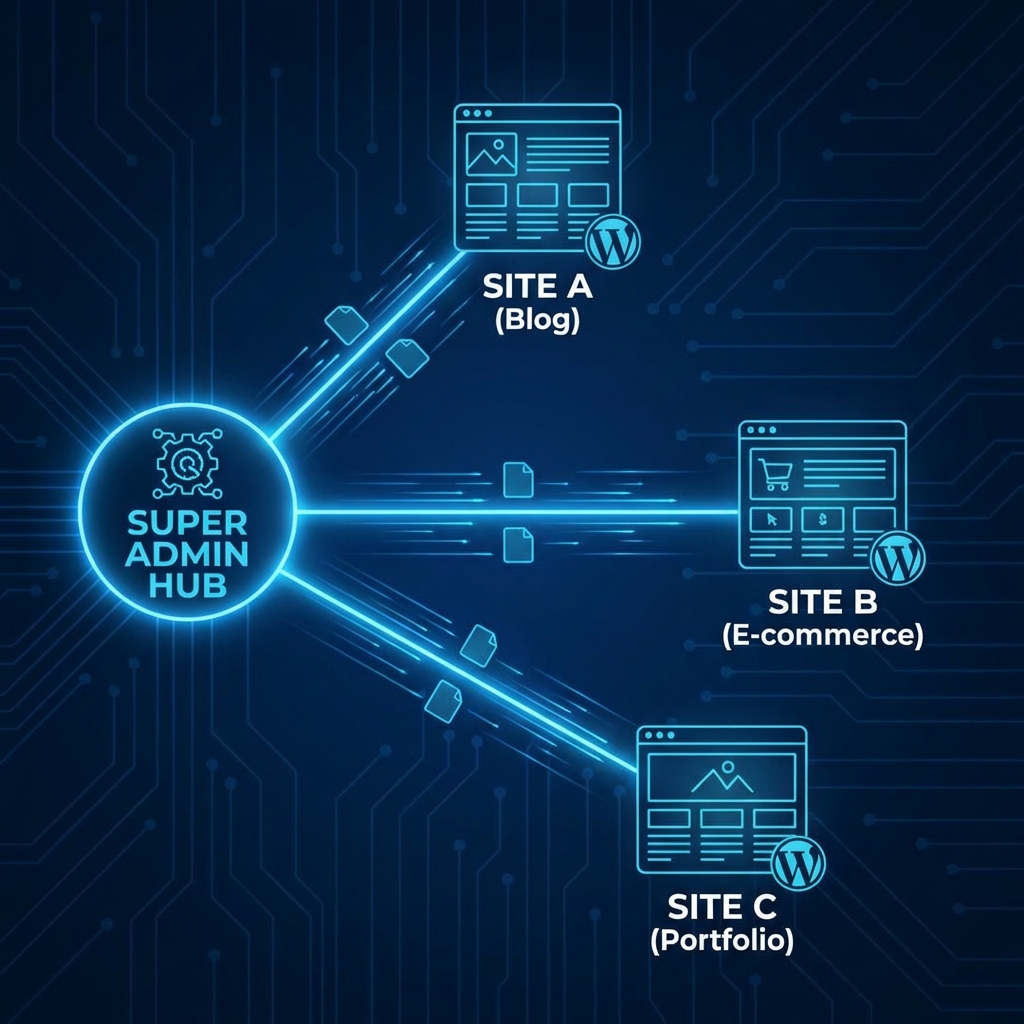
WordPress Multisite is a feature that allows you to create a "network" of sites on a single installation. Think of how WordPress.com works—millions of blogs, one codebase.
It sounds efficient: Update a plugin once, and it updates across 50 sites! But before you enable it, you need to understand the headaches it introduces.
✅ The Pros (Why You Would Do It)
1. Centralized Management
You are the "Super Admin." You can log in once and jump between the dashboards of Site A, Site B, and Site C.
2. Code Consistency
All sites share the same wp-content folder. You only install a theme or plugin once. This saves massive amounts of disk space.
3. Unified Updates
Click "Update" on a plugin, and it's updated for the entire network. Great for maintaining brand consistency across franchise sites or university departments.
❌ The Cons (Why You Should Hesitate)
1. The "Single Point of Failure"
If your main installation gets hacked or goes down, every single site in the network goes down. The risk is concentrated.
2. Plugin Compatibility Nightmares
Not all plugins support Multisite. Some are hard-coded to look for database tables in a way that breaks when networks are involved. You will often see "Multisite Compatible" listed as a premium feature.
3. Database Bloat
Your wp_options table can get massive. If one site gets a traffic spike, it can consume resources that slow down the other sites on the same network.
4. Backup & Migration Hell
Moving a single site out of a Multisite network is extremely difficult. You can't just "export and leave." You have to surgically extract its database tables and media files.
4. Understanding Domain Mapping
One of the biggest confusions is domains.
- Default: You usually get
site1.network.com,site2.network.com. - Desired:
clientA.com,clientB.com.
This is called Domain Mapping. In modern WordPress (4.5+), this is built-in, but it requires configuring your DNS properly. You need to point the A Record of all the domains to your Multisite server, and then add them as "Aliases" in the Network Admin. cookie_domain settings in wp-config.php often cause login loops here if not handled correctly.
5. The Database Architecture
It is crucial to understand what happens to your database.
- Shared Tables:
wp_usersandwp_usermetaare SHARED. Users are global. - Site-Specific Tables: Each new site gets its own set of tables, prefixed with the site ID.
- Site 1:
wp_posts - Site 2:
wp_2_posts - Site 3:
wp_3_posts
- Site 1:
This means a network with 100 sites will have hundreds of tables. A typical heavy plugin might add 10 tables. 10 tables * 100 sites = 1,000 tables. Your database maintenance strategy needs to account for this.
6. Super Admin vs. Site Admin
Multisite adds a new role: Super Admin.
- Super Admin: Can install plugins, themes, and create users. Lives in the "Network Dashboard."
- Site Admin: Can activate plugins (if allowed) and manage content. Lives in the "Site Dashboard."
Security Tip: Never give a client Super Admin access. If they break the network settings, they break it for everyone.
7. Media Library Separation
Files are logically separated, but physically shared on the disk.
- Site 1 uploads go to:
/wp-content/uploads/2024/01/ - Site 2 uploads go to:
/wp-content/uploads/sites/2/2024/01/
While WordPress separates them in the UI (Site A cannot see Site B's images), they technically reside on the same server partition. You cannot easily set storage quotas per site without third-party plugins.
The Verdict
Use Multisite If:
- You are a university, franchise, or large corp managing 50+ very similar sites.
- You have a dedicated DevOps team to manage the infrastructure.
Avoid Multisite If:
- You are an agency managing 50 different client sites. (If Client A leaves, extracting them is a pain).
- You want total isolation for security.
- You are a beginner.
Multisite is a powerful tool, but it's not a "productivity hack." It's an infrastructure decision.