


Introduction
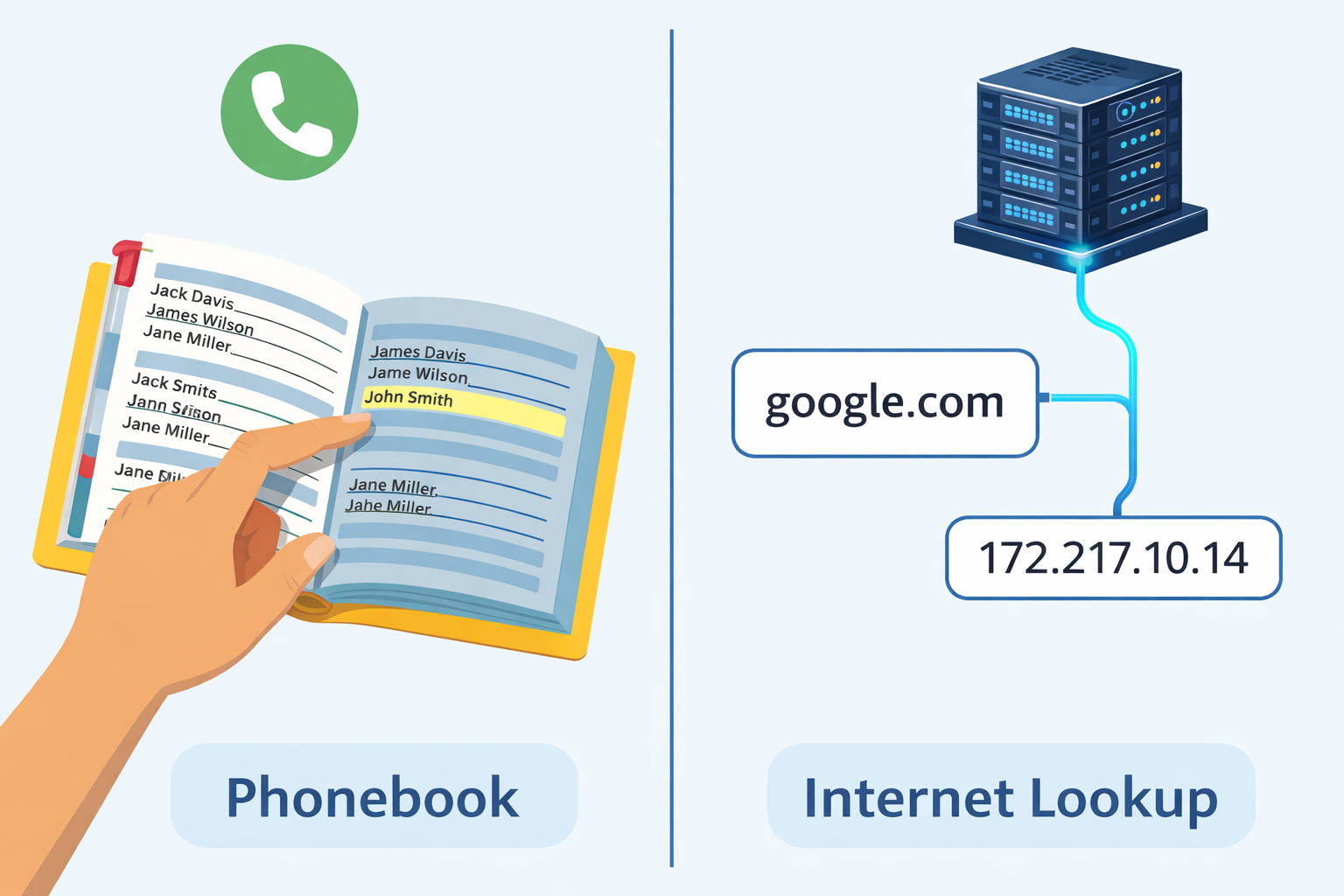
Imagine if, to call your friend, you had to memorize a number like 142.250.190.46 instead of just tapping "Mom" in your contacts list. You’d never remember anyone’s number.
The internet works the same way. Computers communicate using numbers called IP Addresses (like 142.250.190.46), but humans prefer names (like google.com).
DNS (Domain Name System) is the bridge between the two. It is the phonebook of the internet.
When you type a website name, DNS translates it into the IP address so your browser knows where to go. Without DNS, the internet as we know it would collapse.
Common DNS Records (The Vocabulary)
When you buy a domain (like example.com), you get access to a DNS Control Panel. This is where you tell the internet where to send traffic.
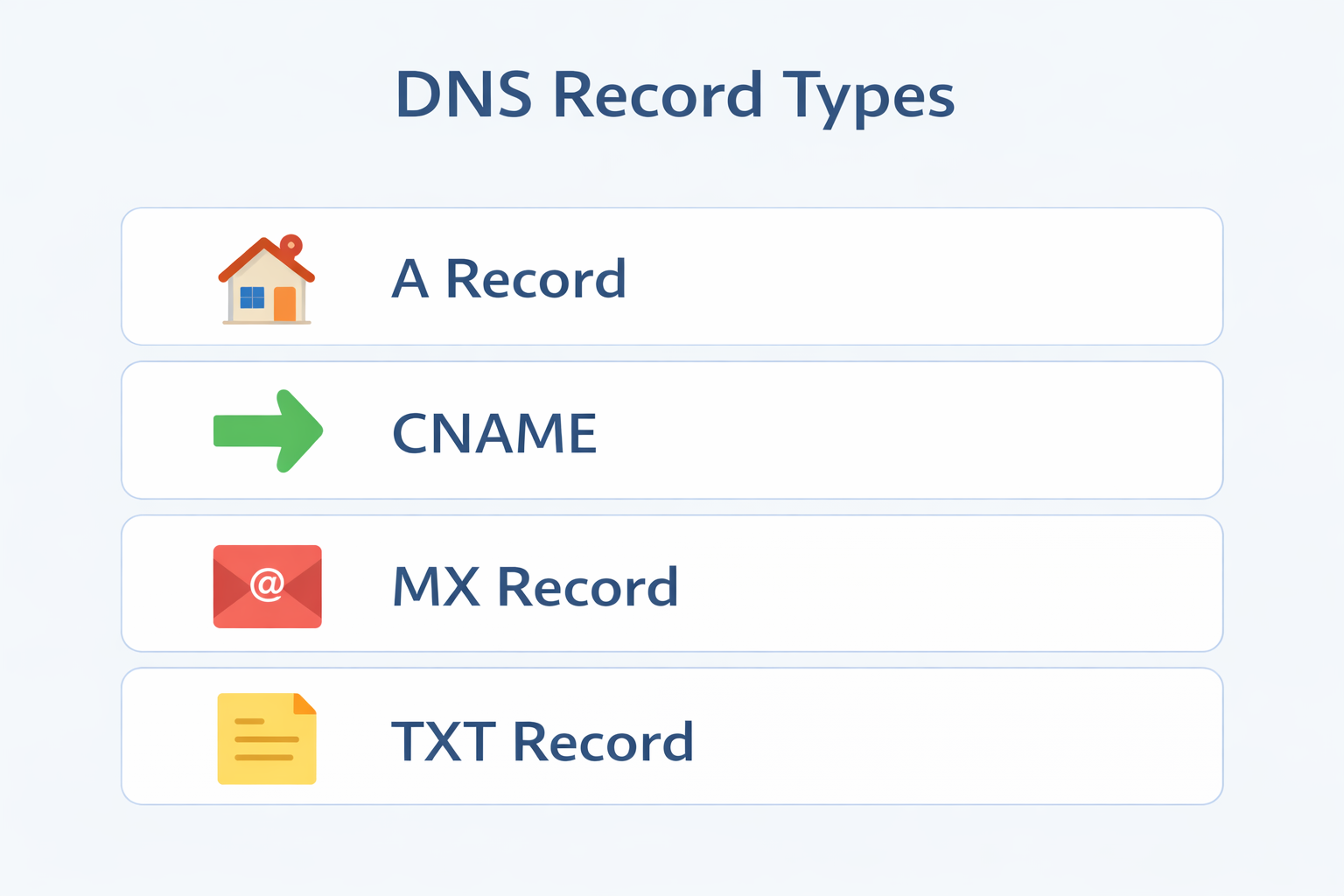
Here are the most common records you need to know:
1. A Record (Address)
What it does: Maps a domain name to an IPv4 Address.
Analogy: Linking a name in your phonebook to a standard phone number.
Example: example.com -> 93.184.216.34
2. AAAA Record
What it does: Maps a domain name to an IPv6 Address.
Analogy: Linking a name to a newer, longer, more complex phone number.
Example: example.com -> 2606:2800:220:1:248:1893:25c8:1946
3. CNAME Record (Canonical Name)
What it does: Maps one domain name to another domain name (not an IP).
Analogy: A "Call Forwarding" setup. You call "Support," and it forwards you to "John's Phone."
Example: www.example.com -> example.com
(Note: You usually cannot use a CNAME for your root domain example.com, only for subdomains like www or blog.)
4. MX Record (Mail Exchange)
What it does: Tells the internet where to deliver emails.
Analogy: The "Mailroom" sign in a building. It doesn't affect where visitors go (the website), only where the letters go.
Example: example.com -> smtp.google.com
5. TXT Record (Text)
What it does: Stores text notes for verification purposes.
Analogy: A sticky note on your front door. It’s often used to prove you own the domain (e.g., for Google Search Console) or for email security (SPF/DKIM).
Example: google-site-verification=12345
6. NS Record (Name Server)
What it does: Tells the internet who manages your DNS records.
Analogy: The Librarian who holds the specific book you are looking for.
Example: ns1.godaddy.com
7. SRV Record (Service)
What it does: Points to a specific service running on a specific port.
Analogy: "Deliver the pizza to the side door."
Example: Used often for things like Minecraft servers or VoIP systems.
How DNS Works in the Real World
Scenario 1: Mapping a Domain to a Server
You just built a website and hosted it on a server with IP 1.2.3.4.
- Go to your domain registrar (e.g., GoDaddy, Namecheap).
- Create an A Record.
- Host:
@(Root) -> Value:1.2.3.4. - Wait for propagation (usually minutes, sometimes hours).
- Now, when people type
yourdomain.com, they land on your server.
Scenario 2: Switching Hosting Providers
You are moving your site from Host A (1.2.3.4) to Host B (5.6.7.8).
- Migrate your files and database to Host B.
- Go to your DNS settings.
- Edit the A Record to point to
5.6.7.8. - Wait! DNS takes time to update worldwide (Propagation). During this time, some users will see the old site, and some will see the new one.
Common Mistakes to Avoid
1. The "Root Domain CNAME" Trap
The Mistake: Trying to point example.com (Root) to another domain using a CNAME.
Why it fails: A CNAME record is like a "Redirect All" instruction. If you put it on your root domain, it overrides everything, including your email settings (MX records). This means your website might work, but your emails will break.
The Fix: Always use an A Record (IP Address) for your root domain (example.com). Use CNAMEs only for subdomains like www.example.com or blog.example.com.
2. Forgetting the MX Record
You migrate your website to a new server and update the A records. Suddenly, you stop receiving emails. Why? You might have accidentally deleted or failed to copy the MX records. Always double-check your mail settings when moving DNS.
3. High TTL During Migration
TTL (Time To Live) tells computers how long to cache a DNS record. If your TTL is set to 24 hours, and you switch servers, users might be stuck seeing the old server for a full day. Tip: Lower your TTL to 5 minutes (300 seconds) a day before you migrate.
Conclusion
DNS is the invisible backbone of the internet. It turns complex numbers into human-readable names, making the web accessible to everyone.
Understanding records like A, CNAME, and MX gives you the power to manage your online presence confidently, whether you are launching a blog, setting up a business email, or migrating servers.
Next Steps: Log in to your domain registrar today and just look at your DNS records. Don't change anything yet—just explore and identify the A and CNAME records we discussed!