

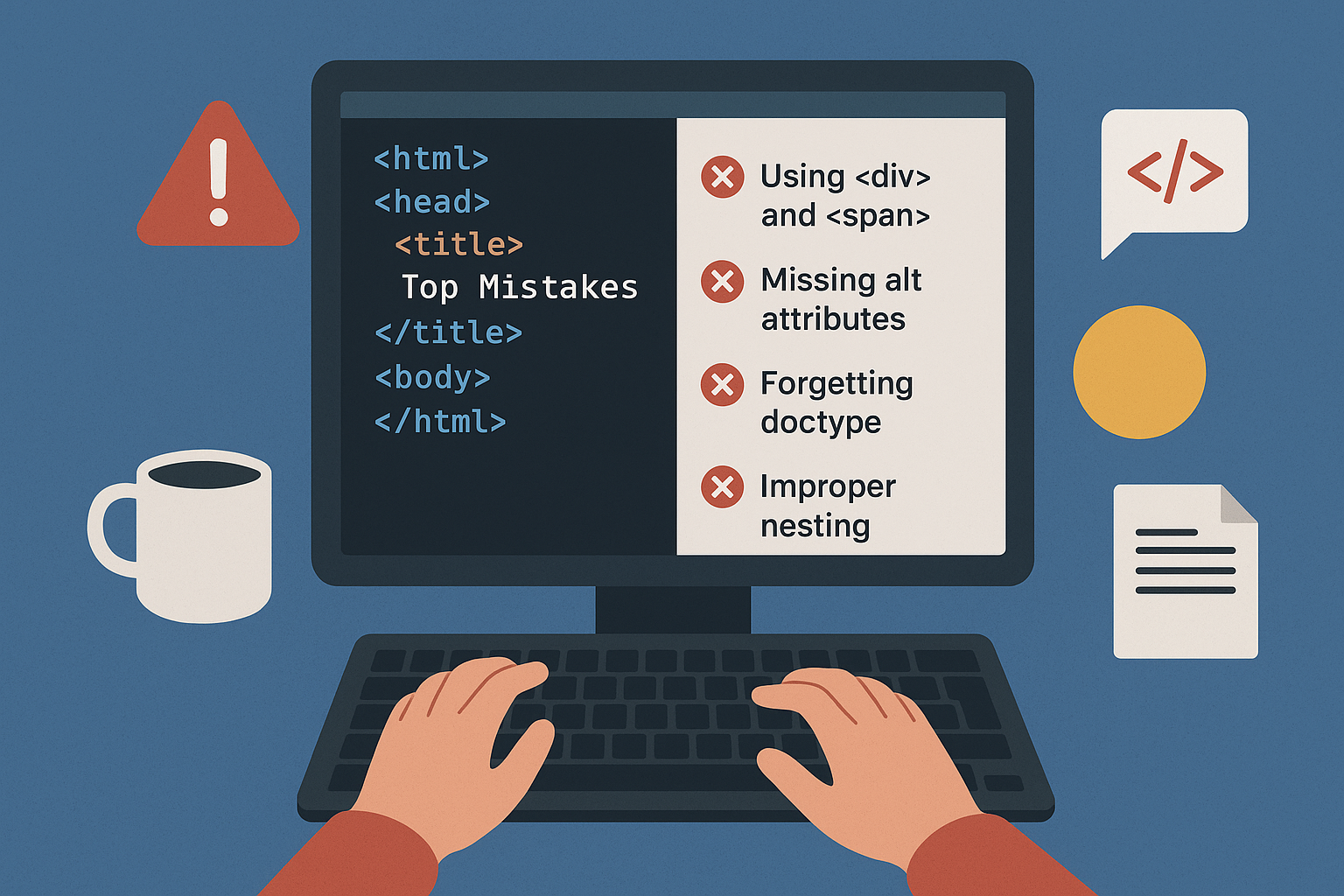
Even though HTML has been around for decades, many developers — both beginners and even experienced ones — still make common mistakes that can negatively impact accessibility, SEO, performance, and overall code maintainability. These mistakes may not always break a site visually, but they often lead to long-term issues in usability, optimization, and scalability.
1. Overusing <div> and <span> Instead of Semantic Tags
The mistake:
Developers often wrap everything in <div> and <span>, creating what’s commonly called “div soup”. This makes the code messy and strips away meaning for browsers, assistive technologies, and search engines.
Why it’s a problem:
-
Accessibility tools (like screen readers) rely on semantic structure.
-
SEO engines give more weight to semantic content.
-
Code readability suffers.
The fix: Use HTML5 semantic elements properly:
-
<header>for page headers -
<nav>for navigation menus -
<main>for primary content -
<article>for articles or independent content -
<section>for grouped related content -
<footer>for footer areas
Example:
<!-- Wrong -->
<div class="header">Welcome to My Blog</div>
<div class="nav">...</div>

<!-- Correct -->
<header>Welcome to My Blog</header>
<nav>...</nav>
2. Missing alt Attributes on Images
The mistake: Using images without alt attributes, or leaving them empty.
Why it’s a problem:
-
Screen readers can’t describe the image, harming accessibility.
-
SEO loses context about the image.
-
Images may not display correctly in low-bandwidth situations.
The fix:
-
Always include a descriptive alt attribute.
-
If the image is decorative only, leave it empty (alt="").
Example:
<!-- Wrong -->
<img src="dog.jpg">

<!-- Correct -->
<img src="dog.jpg" alt="Golden Retriever playing with a ball">
3. Forgetting the Doctype
The mistake:
Omitting the <!DOCTYPE html> declaration.
Why it’s a problem:
-
Browsers switch to quirks mode, interpreting code inconsistently.
-
Leads to layout issues across different browsers.
The fix: Always include the HTML5 doctype at the top:
<!DOCTYPE html>
<html lang="en">
  <head>...</head>
  <body>...</body>
</html>
4. Improper Nesting of Elements
The mistake: Not closing tags properly or nesting them incorrectly.
Example:
<!-- Wrong -->
<p>This is a <strong>bold text.</p></strong>
Why it’s a problem:
-
Breaks HTML validation.
-
Can cause unpredictable rendering in different browsers.
The fix: Close and nest tags properly:
<!-- Correct -->
<p>This is a <strong>bold text.</strong></p>
5. Inline Styling Instead of CSS
The mistake: Adding inline style attributes directly in HTML.
Why it’s a problem:
-
Harder to maintain and scale.
-
Breaks separation of concerns (structure vs. design).
-
Can override global CSS rules unintentionally.
The fix: Use external or internal stylesheets.
<!-- Wrong -->
<p style="color: red; font-size: 18px;">Hello World</p>

<!-- Correct -->
<p class="highlight">Hello World</p>

<style>
  .highlight {
    color: red;
    font-size: 18px;
  }
</style>
6. Ignoring Accessibility Features
The mistake: Skipping ARIA roles, labels, and landmarks.
Why it’s a problem:
-
Makes sites difficult for screen readers.
-
Fails accessibility compliance (WCAG, ADA).
The fix:
-
Use ARIA roles where needed (role="navigation", aria-label).
-
Use label elements for form controls.
<!-- Wrong -->
<input type="text" placeholder="Enter name">

<!-- Correct -->
<label for="name">Full Name</label>
<input id="name" type="text">
7. Overusing <br> for Spacing
The mistake:
Using <br> repeatedly to create spacing between elements.
Why it’s a problem:
-
Breaks semantic structure.
-
Bad for responsive layouts.
The fix: Use CSS margin and padding for spacing.
<!-- Wrong -->
<p>Hello<br><br><br>World</p>

<!-- Correct -->
<p class="spaced">Hello</p>
<p class="spaced">World</p>

<style>
  .spaced {
    margin-bottom: 20px;
  }
</style>
8. Not Specifying the Character Encoding
The mistake:
Forgetting to declare <meta charset="UTF-8"> in the <head>.
Why it’s a problem:
- Special characters (like “©” or emoji 😎) may display incorrectly.
The fix:
<head>
  <meta charset="UTF-8">
</head>
9. Using Deprecated Tags and Attributes
The mistake:
Using tags like <center>, <font>, or attributes like bgcolor.
Why it’s a problem:
-
Not supported in HTML5.
-
Bad for maintainability and accessibility.
The fix: Use modern CSS instead:
<!-- Wrong -->
<center><font color="blue">Hello</font></center>

<!-- Correct -->
<p class="blue-text">Hello</p>

<style>
  .blue-text {
    color: blue;
    text-align: center;
  }
</style>
## 10. Not Optimizing Media
The mistake: Using large, uncompressed images and videos without optimization.
Why it’s a problem:
-
Slows down page load speed.
-
Hurts SEO and user experience.
The fix:
-
Use optimized formats (WebP, AVIF for images; MP4 for video).
-
Add loading="lazy" to images.
-
Define width and height to prevent layout shifts.
<img src="image.webp" alt="Scenic beach" loading="lazy" width="600" height="400">
11. Skipping Forms Best Practices
The mistake:
-
No labels for inputs.
-
Not grouping related inputs with
<fieldset>. -
No validation attributes.
The fix:
-
Use
<label>and for attributes. -
Use built-in validation attributes (required, type="email").
<form>
  <fieldset>
    <legend>Contact Information</legend>

    <label for="email">Email:</label>
    <input type="email" id="email" required>
  </fieldset>
</form>
- Not Using Responsive Meta Tag
The mistake:
Forgetting this line in the <head>:
<meta name="viewport" content="width=device-width, initial-scale=1.0">
Why it’s a problem:
- Pages don’t scale properly on mobile devices.
The fix: Always include it for responsive design.
Conclusion
HTML might seem simple, but many developers still repeat mistakes that hurt accessibility, SEO, and user experience. By paying attention to semantic markup, accessibility, validation, and modern best practices, you can write cleaner, more future-proof HTML.
When in doubt:
-
Validate your HTML with online tool Validator
-
Follow accessibility guidelines (WCAG).
-
Keep structure (HTML), design (CSS), and behavior (JavaScript) separate.
Good HTML isn’t just about making a page look good—it’s about making it accessible, efficient, and maintainable for everyone.